On October 28, 2024, Telstra will officially shut down its 3G network, marking a significant transition in Australia’s telecommunications landscape. This shutdown paves the way for the expansion of 4G and 5G networks, providing faster and more reliable services across the country. However, the change may impact those still using older devices or equipment relying on the 3G network. Here’s what you need to know about the shutdown, why it’s happening, and how to prepare.
days
hours minutes seconds
until
3G Network Shutdown
Why Is Telstra Shutting Down the 3G Network?
Telstra’s decision to retire its 3G network is primarily driven by advancements in mobile technology. 3G has been in operation since the early 2000s, serving as the backbone for mobile internet for over two decades. As newer networks (4G and 5G) offer better speeds, capacity, and efficiency, 3G is becoming outdated. By shutting down 3G, Telstra can repurpose the spectrum to enhance 4G and 5G services, improving coverage and speeds across Australia.

Who Will Be Affected?
- Consumers: If you’re still using an older mobile phone that only supports 3G, it’s time to upgrade to a 4G or 5G-compatible device. Without this change, your phone won’t be able to make calls, send texts, or access mobile data once the 3G network is offline. Most newer phones support 4G or higher, but if you have any doubts, check with Telstra or review your device’s specifications.
- Businesses: Many businesses use 3G-based devices like EFTPOS terminals, monitoring systems, and tracking devices. These devices will need to be upgraded to ensure continued functionality. Telstra is working with businesses to help transition these systems to 4G or Wi-Fi-based options, and many manufacturers offer support for these upgrades.
- Rural and Remote Areas: In some remote areas, 3G may still be a primary source of connectivity. While Telstra is expanding its 4G and 5G coverage, some customers may initially experience disruptions. It’s best to check coverage maps and see what options are available, especially for devices used in rural areas.
How Can You Prepare for the Shutdown?
- Upgrade Your Devices: Make sure your phone, tablet, or other connected devices are 4G or 5G-compatible. If you’re using a 3G-only device, you’ll need to upgrade. Telstra offers resources to help customers transition and has trade-in options for those looking to upgrade their phones.
- Check Your Business Equipment: If your business relies on 3G devices, consult Telstra or your equipment provider about upgrading. Many EFTPOS terminals and tracking devices have newer models with 4G or Wi-Fi connectivity, and some providers may offer transitional programs to help offset costs.
- Monitor for Interruptions: During the transition, there may be brief interruptions as Telstra reallocates network resources. Consider backup options, like Wi-Fi where available, to avoid potential service interruptions.
- Contact Telstra for Assistance: If you’re unsure about your devices, Telstra has resources on their website to check device compatibility and offers customer support to assist with the transition.
Understanding the Role of IoT in the 4G/5G Era
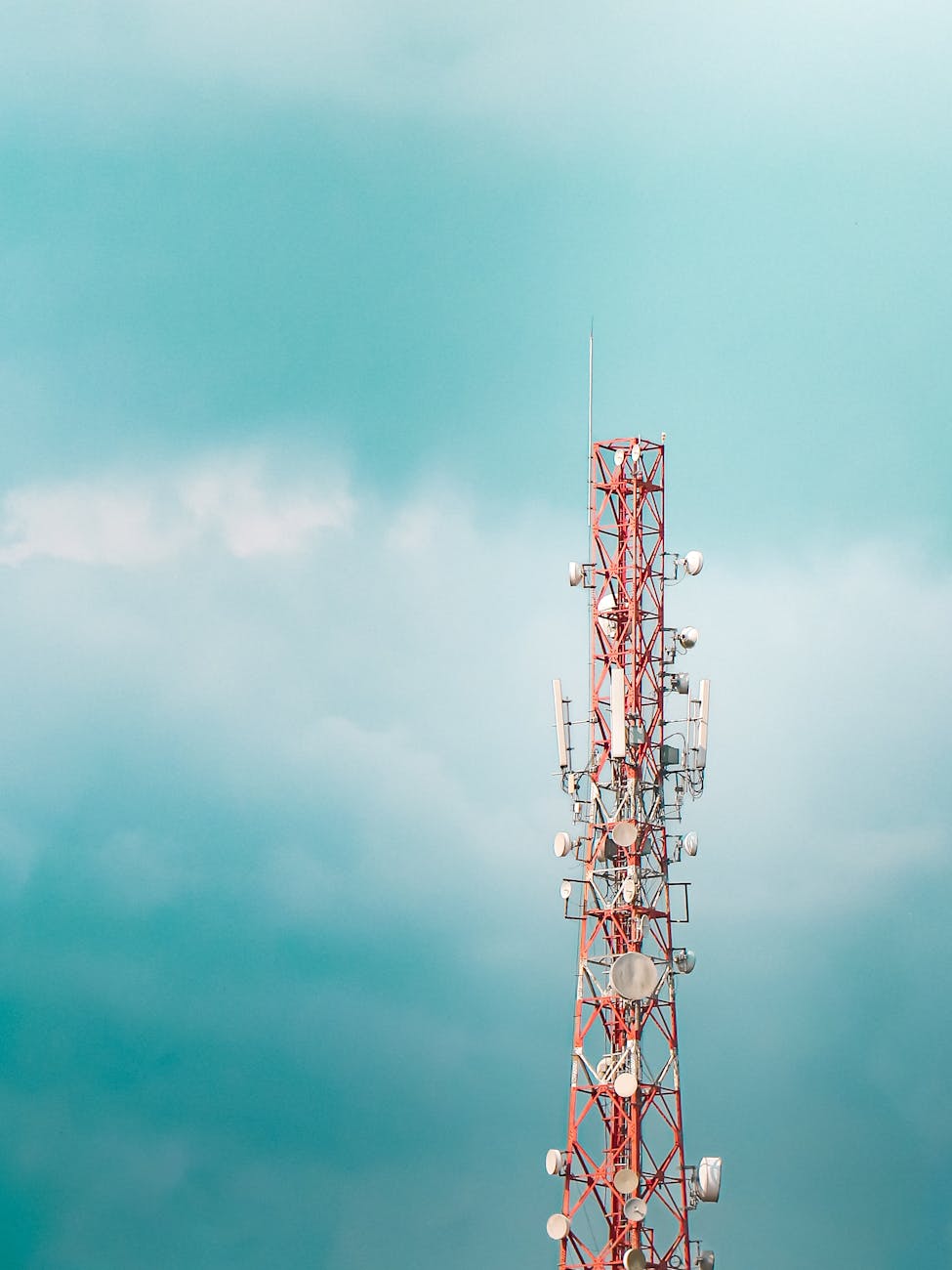
Telstra’s 3G shutdown is not only about making way for faster internet—it’s also about enabling the growth of the Internet of Things (IoT) in everyday life and business. As Telstra expands its 4G and 5G networks, IoT applications like connected cars, smart home devices, and industrial sensors can flourish with the faster speeds, lower latency, and higher capacity offered by these networks.
Understanding the Role of IoT in the 4G/5G Era
Telstra’s 3G shutdown is not only about making way for faster internet—it’s also about enabling the growth of the Internet of Things (IoT) in everyday life and business. As Telstra expands its 4G and 5G networks, IoT applications like connected cars, smart home devices, and industrial sensors can flourish with the faster speeds, lower latency, and higher capacity offered by these networks.
IoT Applications Empowered by 4G and 5G
- Smart Homes: Connected devices like security cameras, thermostats, and appliances will benefit from faster data transfer, improving automation and remote control.
- Wearable Devices: Health monitors, smartwatches, and other wearables can track metrics and send data in real time, enabling more personalized and responsive healthcare.
- Connected Vehicles: With 4G and 5G, connected vehicles can communicate with each other and with road infrastructure, enhancing safety and improving traffic management.
- Industrial IoT (IIoT): In industries like manufacturing, agriculture, and logistics, IoT devices enable real-time monitoring and automation, improving productivity and reducing costs.
How Will This Affect EFTPOS Machines and other devices?
For businesses, the shift to 4G and 5G also means more reliable, secure, and efficient EFTPOS terminals. Modern terminals are often compatible with 4G and Wi-Fi, providing faster transaction processing and reducing potential outages. Businesses currently using 3G-based EFTPOS machines should look into 4G or Wi-Fi alternatives to avoid disruptions after the shutdown.
Frequently Asked Questions
1. Will I lose coverage in rural areas?
- Telstra is actively expanding its 4G and 5G networks, even in rural areas. However, some regions that still rely heavily on 3G may initially see changes. Check Telstra’s coverage map or contact them to see how your area will be affected.
2. How do I know if my device supports 4G?
- Most smartphones from the last several years support 4G. You can check your device settings under “Network” or “Mobile Data” to see available network options. Alternatively, Telstra’s website has resources to check device compatibility.
3. What should I do if my business relies on 3G devices?
- Contact your equipment provider or Telstra to discuss upgrade options. Many providers have support programs for transitioning businesses to 4G and beyond.
4. Will my data plan be affected by the shutdown?
- Your data plan itself won’t be affected, but if you’re using a 3G-only device, you’ll need to upgrade to access the network. Your current plan will still apply to 4G or 5G-compatible devices.
Final Thoughts
The Telstra 3G shutdown is a big step toward a faster, more connected future. While it may require adjustments, particularly for those using older devices, it also opens the door to expanded 4G and 5G services, unlocking the potential for IoT innovation and improved connectivity. By preparing now, you can make this transition as smooth as possible and embrace the benefits of next-generation networks.
For more detailed information, visit Telstra’s support page on the 3G network shutdown, or contact their customer support team for guidance on device upgrades and available services for the relevant providers
This blog post was created with AI assistance and edited for accuracy. Photos used under free to use license from Pexels.


Start a Discussion!