
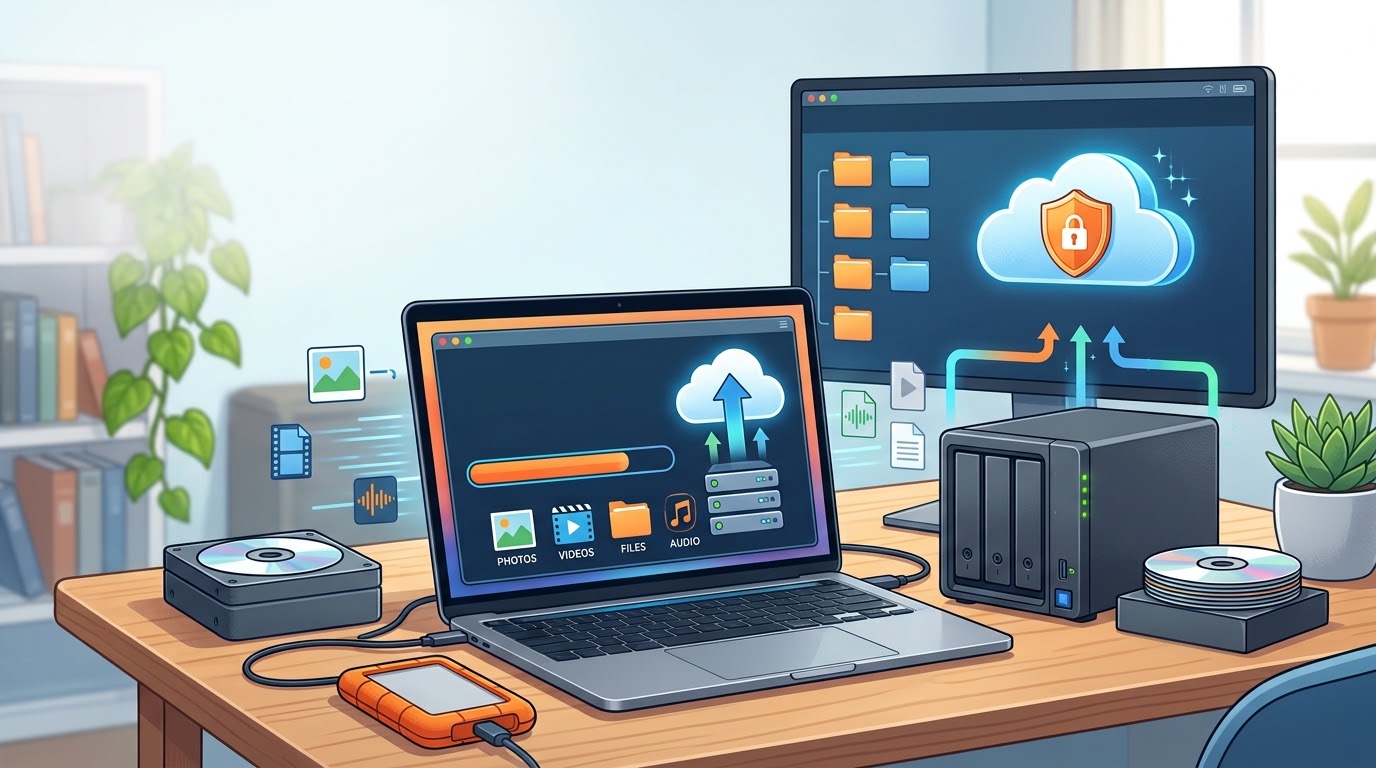
Every photographer, videographer, or freelancer has a story like this: a hard drive dies, a laptop gets stolen, a phone falls in a pool, and with it goes months of work. Client footage. Photo edits. Invoices. Half-finished projects you can’t recreate. It happens more often than people think, and it always happens at the worst possible time.
I’ve lived this twice this year, on two different platforms, for two completely different reasons.
In March, my main Google account got flagged and disabled over what I still believe was a false positive. That single account held ten years of YouTube content, business emails, and client files in Google Drive. Two appeals, a supervisor escalation, and a public callout later, the account and the channel were gone for good. I wrote the full story here.
In July, it happened again, this time with Instagram. No warning, no specific reason given, no appeal option. Years of sports photography, videography, and behind-the-scenes content, gone from that account overnight. That story’s here too.
Neither of those was a hardware failure. Both were a platform deciding, on its own terms, that I no longer had access to something I’d built for years. That’s the part people underestimate about backups: it’s not just about drives dying. It’s about anything that can cut off your access without warning.

One Backup Isn’t a Backup
A lot of people think they’re covered because they’ve got their files on an external drive, or backed up to the cloud. That’s a start, but neither one alone is enough.
If your only backup is a drive sitting next to your laptop, a house fire, flood, or break-in takes out both at once. And if your only backup is the cloud, you’re trusting a company’s automated systems and support process to keep your access intact. As I found out twice this year, that trust can evaporate overnight, with no appeal and no way to get your account back. A cloud account can be disabled, hacked, or deleted faster than you can react, and there’s often nothing you can do about it once it happens.
This is where the classic rule comes in, sometimes called the 3-2-1 rule:
- 3 copies of your data (the original plus two backups)
- 2 different types of storage (for example, a physical hard drive and a cloud service)
- 1 copy stored somewhere else entirely (off-site, so a local disaster can’t wipe out everything at once)

Why a Physical Hard Drive Still Matters
Cloud storage is convenient, but it’s not something you control. You’re relying on someone else’s servers, someone else’s policies, and someone else’s support queue. After going through account disablements on two separate platforms this year, my view has shifted: a physical hard drive that sits in your hands, that you can plug in and access without needing anyone’s permission, is not optional. It’s the backup that can’t be deleted by an algorithm, disabled by a policy flag, or held hostage by a support ticket that never gets resolved.
That doesn’t mean skip the cloud. It means don’t rely on it as your only or primary copy. Treat it as one layer, not the whole strategy.
Why This Matters More If You Work in Media
If you’re shooting weddings, sports, documentaries, or running client work of any kind, your files aren’t just personal memories. They’re deliverables, contracts, and reputation. If a client’s footage disappears and you don’t have a backup, you’re not just losing hours of work, you’re potentially losing the client and your credibility with them. “My account got disabled” isn’t an excuse a client wants to hear, even though it’s a real risk every freelancer runs, as I now know firsthand.
It Doesn’t Have to Be Complicated
You don’t need an enterprise-grade setup. A realistic approach for most people looks like this:
- Keep your working files on your main device, as usual.
- Back up to a physical external drive regularly. Weekly, or after every big project. This is your copy that no platform can take away.
- Add a cloud backup as a second layer, not the only one, so there’s a copy that isn’t in your house.
- Automate it where you can. If backing up depends on you remembering to do it, eventually you won’t.
How Often You Should Actually Back Up
“Regularly” means different things to different people, so here’s a more concrete guide. If you’re actively working on a project, back up at the end of every shoot day, not at the end of the project. Footage that only exists on one memory card or one drive overnight is footage that’s one accident away from gone. Once a project wraps, do a second backup pass to your archive drive and your cloud storage before you consider the job finished.
For general files, invoices, and business records, a weekly backup is usually enough, but set a recurring reminder or use software that runs it automatically. Manual backups fail for one reason more than any other: you were busy that week and meant to get to it.
The Excuses People Make
“I’ll back it up once the project’s done” is how people lose entire shoots to a single card failure. “The cloud already backs everything up” ignores that an account can be disabled, hacked, or wiped without your permission, as I found out twice this year. “External drives are expensive” doesn’t hold up against the cost of reshooting a wedding or losing a client over missing deliverables. None of these excuses are unreasonable in the moment. They just don’t survive contact with an actual failure.
The Real Cost of Skipping This
Losing files isn’t just annoying. It’s redone work, missed deadlines, awkward conversations with clients, and sometimes work that simply can’t be redone at all. A decade of YouTube content or years of Instagram history doesn’t come back just because you appeal loudly enough. I’ve tested that theory twice now, and I lost both times.
Backups are cheap insurance against something that will, statistically, happen to you eventually, whether it’s a dead drive or a platform that decides you’re gone. The question isn’t whether you’ll lose access at some point. It’s whether you’ll have a copy, on your own hardware, when it happens.
Set it up once. Automate what you can. Future you will be very glad you did.


Leave a Reply